
For years, the answer to “can I play Game Pass on my Steam Deck?” has been a shrug and a workaround. You could stream it through Xbox Cloud Gaming in a browser, or you could wipe the Deck and install Windows. Neither felt like the handheld Valve actually shipped.
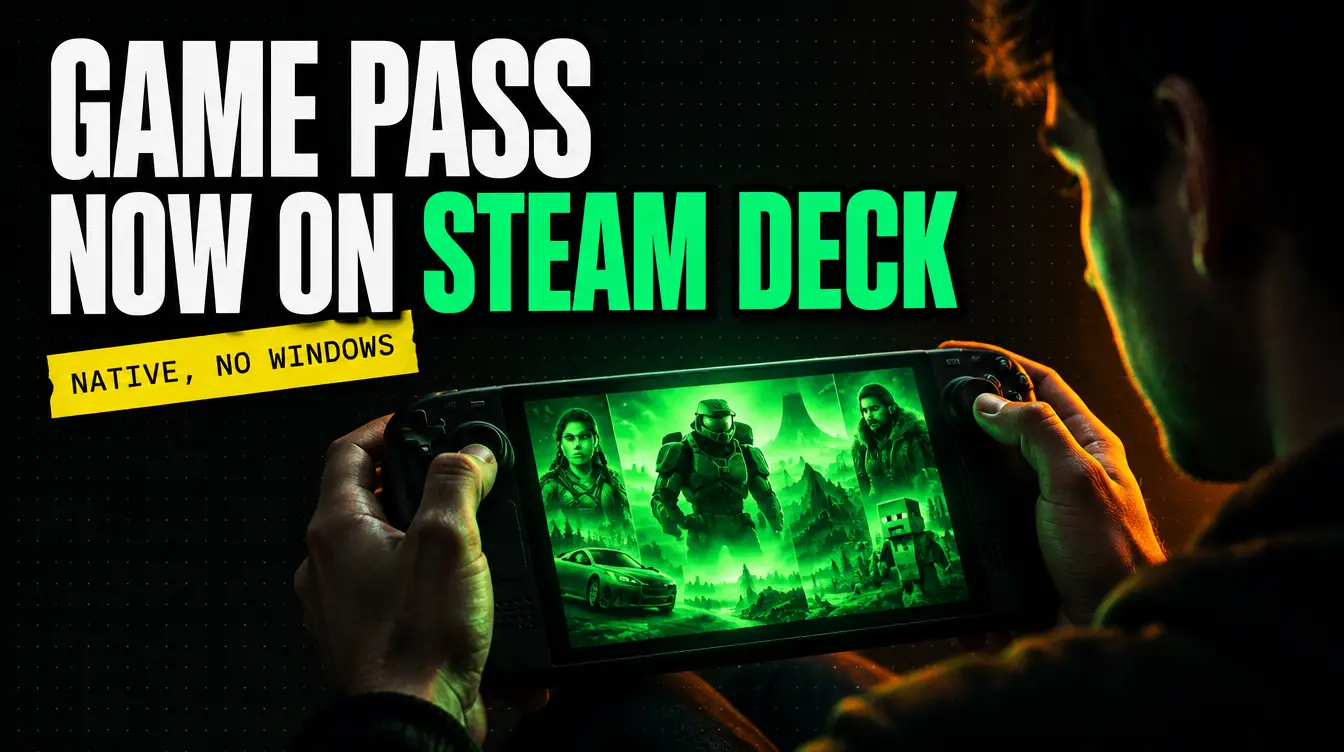
That just changed. A new open-source project called Xodus Nexus lets you sign in to your Microsoft account, download your PC Game Pass titles, and run them natively on SteamOS, on both the Steam Deck and Valve’s Steam Machine. The folks at Gaming On Steam put together a quick three-minute walkthrough, and it’s worth your time.
What Xodus Nexus actually is
Xodus Nexus is an Xbox-style launcher for Linux built on top of Xodus, a community project for running Microsoft Store PC games outside Windows. It has three moving parts:
- The launcher handles browsing the Store, your library, the install queue, and launching games. It’s MIT-licensed.
- The Nexus backend is a patched build of Xodus that deals with Microsoft sign-in, license checks, and downloading the game packages.
- The Nexus runtime is a custom Proton build plus an Xbox game runtime layer, with extra compatibility patches. Every game launches through this same shared runtime.
The key phrase here is natively. This isn’t cloud streaming and it isn’t a Windows partition. The games install to the Deck’s storage and run through Proton like any other Linux-compatible title. Xbox sign-in and cloud saves work for supported games, so your progress from console or a Windows PC can follow you.
One thing to be clear about: this is an independent project, not affiliated with Microsoft or Xbox. You still need a valid license for anything you play, which in practice means an active Game Pass subscription or a game you own on the Microsoft Store.
How to install it
You’ll need to switch your Steam Deck to Desktop Mode for this. The project ships an install script that handles the system prerequisites, grabs the latest AppImage, and adds a menu entry. Open Konsole and run:
curl -fsSL https://raw.githubusercontent.com/domsvoboda/xodus-nexus/main/scripts/install.sh | bashIf you’d rather not pipe a script into bash (fair), you can download the AppImage directly from the Releases page, mark it executable, and run it. No Rust, Cargo, or compiler toolchain is required; the backend ships prebuilt.
On first launch, head into Settings and install the Nexus backend and Nexus runtime. Both download as verified, precompiled packages. Then sign in with your Microsoft account, and your Game Pass library should appear. From there, you can add games to Steam as non-Steam shortcuts so they show up in Gaming Mode like everything else.
What works right now
This is version 0.2.0 territory, so temper expectations. The project’s own tested list at the time of writing is short:
- Gears of War: E-Day: launches, signs in, loads existing saves, and online lobbies work.
- Deep Rock Galactic: sign-in and lobbies work, though DRG servers don’t show up in the server browser.
- Minecraft Dungeons II: currently stuck at the sign-in screen.
Other games may well work, but they haven’t been verified. The developer keeps a running compatibility list on the wiki, and because fixes live in the shared runtime rather than per-game hacks, improvements tend to lift everything at once. Expect the list to grow quickly now that this is getting attention.
Why this matters for Game Pass
Game Pass has always been the best deal in gaming with an asterisk: it lives where Microsoft lets it live. The Steam Deck and Steam Machine are exactly the kind of hardware where a subscription library shines, and until now the only “native” path was replacing the operating system. If Xodus Nexus matures, a huge chunk of the PC Game Pass catalog becomes playable on the most popular handheld PC around without Microsoft lifting a finger.
We’ll be keeping an eye on the compatibility list and testing games from our own tracker as they get added. If you try it, let us know what runs.
Links: Xodus Nexus on GitHub · Setup guide · Gaming On Steam’s walkthrough
Leave a Reply